How to Build a Homelab Server from Scratch: Ultimate Guide
Let’s be honest—watching your monthly bills for cloud storage, web hosting, and virtual machines creep up is frustrating. For developers, DevOps engineers, and everyday tech enthusiasts looking to stretch their skills, relying completely on commercial cloud providers quickly becomes an expensive roadblock. Suddenly, every single database, container, or fresh testing environment you spin up just adds another painful line item to that monthly invoice.
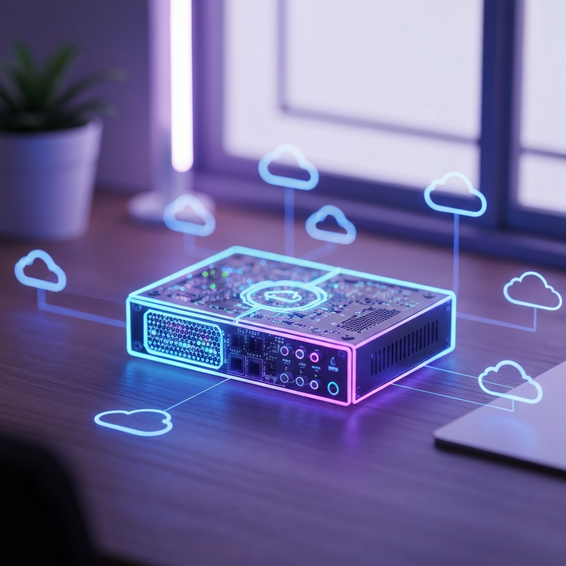
If you’re ready to take back total control over your data and infrastructure, figuring out how to build a homelab server from scratch is the perfect move. Having your own home server gives you the freedom to deploy self-hosted tools, trial run custom code, and pick up valuable enterprise-level IT skills without worrying about an hourly usage meter running in the background.
Throughout this guide, we’ll walk you step-by-step through the entire process. Whether it’s picking out the perfect hardware, configuring your home network, or finally launching your very first container, you’ll discover exactly what goes into creating a robust and highly scalable personal cloud.
Why the Cloud Problem Happens (And How to Build a Homelab Server From Scratch)
Most tech professionals naturally kick things off by taking advantage of the free tiers from major public cloud platforms like AWS, Google Cloud, or Azure. The catch, however, is that the “cloud problem”—that sudden, unexpected spike in your infrastructure costs—hits right when your passion projects inevitably outgrow those strict, free-tier limits.
At a technical level, the sticker shock usually boils down to low resource caps, hidden data egress fees, and the compounding expense of scaling up your setup. Keeping a PostgreSQL database running 24/7, hosting a media server like Plex, or managing a Kubernetes cluster in the cloud will drain your wallet faster than you might expect. Simply put, cloud providers charge a hefty premium for high-availability compute power and continuous bandwidth.
Putting together your own personal data center wipes out those recurring subscription fees entirely. Beyond just saving money, it tackles the growing headache of data privacy by ensuring your sensitive personal files or unreleased project data never actually leave your Local Area Network (LAN). Moving your workloads over to local hardware means you get to reclaim complete sovereignty over your entire tech stack, your network security, and your storage limits.
Quick Fixes / Basic Solutions for Your First Build
If you are just now figuring out how to architect your own infrastructure, don’t worry—you certainly don’t need to buy a massive, noisy rackmount setup on day one. Instead, here are a few practical, basic solutions to help you get your very first lab up and running by this weekend.
- Repurpose an Old Laptop or Desktop: The absolute easiest way to dive in is by utilizing hardware that is likely already gathering dust in your closet. Interestingly enough, an old laptop makes a fantastic beginner homelab. It inherently features a built-in battery backup (which acts like a free UPS), an integrated keyboard, and its own monitor. Just wipe the hard drive clean, throw on a lightweight Linux distribution like Ubuntu Server, and you’ve got yourself a fully functional server.
- Raspberry Pi 4 or 5: These legendary single-board computers (SBCs) run silently and sip barely any power. That makes them excellent candidates for hosting essential, lightweight network services. A Raspberry Pi is arguably the perfect hardware match for running a DNS sinkhole like Pi-hole, hosting a basic web server, or managing a handful of simple Docker containers.
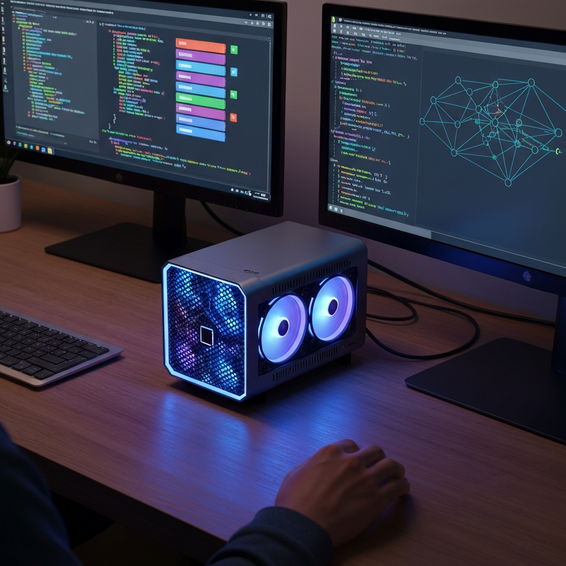
- Mini PCs (Intel NUCs, Beelink, Minisforum): For the modern home-server enthusiast, Mini PCs hit the sweet spot between processing muscle, space-saving design, and energy efficiency. Given that most contemporary Mini PCs can comfortably support up to 64GB of RAM along with multiple NVMe SSDs, they act as surprisingly capable hypervisors for juggling multiple virtual machines at once.
Advanced Solutions: Enterprise-Grade Setups
Eventually, you might outgrow that starter hardware. Or, perhaps you want to replicate a genuine corporate IT environment to push your career forward. Either way, that’s when you’ll need to look into more advanced solutions. From a professional developer or IT perspective, the goal here is to source hardware and software that accurately mimics enterprise-level infrastructure.
Used Enterprise Rackmount Servers
Picking up decommissioned enterprise gear—think models like the Dell PowerEdge R730 or the HP ProLiant DL380—unlocks massive core counts, redundant dual power supplies, and support for enormous pools of ECC (Error-Correcting Code) RAM. Fair warning: these servers can be incredibly loud and they definitely consume a lot more power. However, they are virtually indispensable if your goal is to master advanced virtualization and true enterprise hardware management.
Type-1 Hypervisor Software
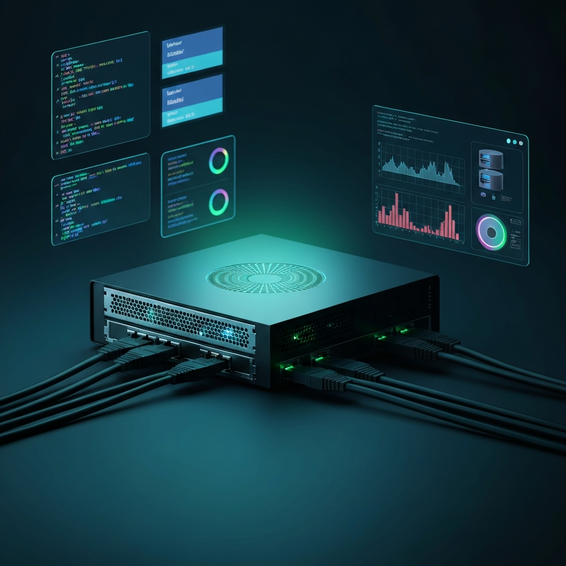
Rather than just installing a standard operating system directly on the machine, more advanced labs utilize what’s known as a Type-1 Hypervisor. Platforms like Proxmox VE, VMware ESXi, or XCP-ng run directly on the bare metal of your server, giving you the power to carefully slice up the machine’s resources into multiple independent virtual machines (VMs). In recent years, Proxmox has easily become the undisputed crowd favorite for homelabs, thanks to its open-source framework and native support for Linux Containers (LXC).
Advanced Storage Infrastructure
When you’re running a professional-grade lab, data integrity is absolutely paramount. To step up your storage game, consider deploying a TrueNAS VM to manage a robust ZFS storage pool. ZFS is legendary for offering enterprise-grade snapshotting, reliable bit-rot protection, and seamless Network-Attached Storage (NAS) capabilities. By passing your external hard drive controllers directly through to TrueNAS, you guarantee that your critical data remains highly available and secure.
Best Practices for Homelab Management
Operating your own infrastructure demands the exact same level of discipline as managing a full-scale corporate data center. To keep your network running smoothly and safely, make sure to follow a few core best practices surrounding optimization, security, and performance.
Implement Network Segmentation
Rule number one: never expose your primary home network directly to the wild internet. Grab a managed switch and pair it with a highly configurable firewall (such as OPNsense or pfSense) to map out separate VLANs (Virtual Local Area Networks). Doing this ensures your everyday personal devices, those notoriously vulnerable IoT smart gadgets, and your externally facing homelab services stay strictly isolated from one another.
Use Reverse Proxies and SSL Encryption
Instead of recklessly opening multiple dangerous ports on your home router, try to limit it to just port 443 (HTTPS) and set up a Reverse Proxy. Brilliant tools like Nginx Proxy Manager, Traefik, or Caddy work as traffic cops, securely routing external requests to the correct internal services. Better yet, they typically automate the hassle of fetching Let’s Encrypt SSL certificates, keeping all your incoming and outgoing traffic safely encrypted.
Automated Backups and Disaster Recovery
Let’s face facts—hardware will eventually fail. Protect yourself by implementing the golden 3-2-1 backup rule. This means keeping three total copies of your data, spreading them across two different media types, and ensuring at least one copy is stored completely off-site. Take advantage of powerful tools like Proxmox Backup Server, BorgBackup, or Kopia to handle your encrypted, deduplicated, and fully automated daily snapshots.
Recommended Tools / Resources
If you want to seamlessly build, configure, and maintain your new server environment, adopting the right toolset is critical. To point you in the right direction, here are some highly recommended hardware and software resources that will get your project started on the right foot.
- Starter Hardware: The Beelink SER5 Mini PC acts as a wonderfully cost-effective starter node, packing a very capable AMD Ryzen CPU.
- Networking & Security: Look into OPNsense for a robust open-source firewall, alongside Tailscale—a zero-config VPN built on WireGuard that gives you secure remote access without having to open any ports.
- Virtualization Platform: Proxmox Virtual Environment is practically unbeatable here. It’s free, immensely powerful, and backed by an incredibly helpful community.
- Container Management: Pair Docker with a GUI like Portainer or Dockge to make visual app deployment an absolute breeze.
- Infrastructure as Code (IaC): Dive into Terraform and Ansible. Mastering these technologies empowers you to automate your VM provisioning exactly like a seasoned DevOps engineer.
FAQ Section
What is the best OS for a beginner homelab?
If you are an absolute beginner, you really can’t go wrong with Ubuntu Server or Debian as your bare-metal foundation. Both boast massive community support, endless online documentation, and a brilliantly simple Docker installation process. On the flip side, if you’d rather use a Graphical User Interface (GUI) to point-and-click your way through app management, operating systems like CasaOS or Unraid are phenomenally user-friendly.
How much RAM do I need for a homelab server?
It largely depends on your goals. If your plan is to just host a few lightweight Docker containers (think Pi-hole or a basic Nextcloud instance), 8GB to 16GB of RAM is more than enough. However, if you plan to spin up multiple virtual machines through a hypervisor like Proxmox—or if you want to deploy a memory-hungry ZFS storage pool—you should really be aiming for a minimum of 32GB to 64GB of RAM.
Is a Raspberry Pi good enough for a homelab?
Absolutely! In fact, a Raspberry Pi remains one of the most highly recommended entry points in the community. It is fully capable of handling essential, always-on network services—such as running Home Assistant for smart home automation, managing DNS blockers, or hosting a personal VPN.
Conclusion
Making the leap from total cloud dependence to managing your very own local infrastructure is an incredibly rewarding technical journey. By getting up close and personal with the underlying hardware, hypervisor setups, and advanced networking concepts, you’ll naturally absorb hands-on IT and DevOps skills that directly translate to real-world professional roles.
Whether you decide to start small with an old, repurposed laptop or jump right into the deep end by racking up heavy enterprise gear, taking that first step is ultimately what matters most. Just remember to always prioritize your network security, embrace virtualization to squeeze every drop of performance out of your hardware, and automate your deployments wherever you can.
Now that you have a solid grasp on how to build a homelab server from scratch, the fun part begins. It’s time to gather up your hardware, select your preferred hypervisor, and start building out your ultimate personal cloud today. Good luck, and enjoy your self-hosted learning journey!
About the Author